![IMG.LY_logo_black_blue (1)-1.png]](https://support.img.ly/hs-fs/hubfs/IMG.LY_logo_black_blue%20(1)-1.png?height=44&name=IMG.LY_logo_black_blue%20(1)-1.png)
How to log in?
Go to img.ly/dashboard and sign in with the account linked to your subscription. You have three options: continue with Google, continue with GitHub, or enter your email and get a one time code in your inbox. All three lead to the same account, so pick the one you prefer.
Bookmark the dashboard so you can get back to it later.
Visual example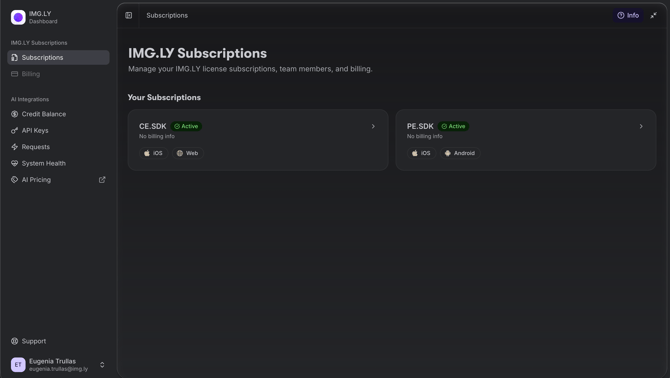
What you can do once you are in?
- See your current plan and check your subscription status
- Download your license files
- Update your contact details, billing address and payment method
- Add or update hostnames and bundle IDs for your integration
- Add members to your subscription so teammates can download the license file themselves
If you cannot get in: Check that you are using the same email address the subscription was set up with. If something does not work as described, submit a request through our support form and the team will help you sort it out.